Ask your ISMS. Every answer comes with its source.
The Navigator answers questions about your security posture from your own data, takes you to the right place in the software and makes changes on your instruction. Nothing is executed before a person has seen and confirmed the plan.
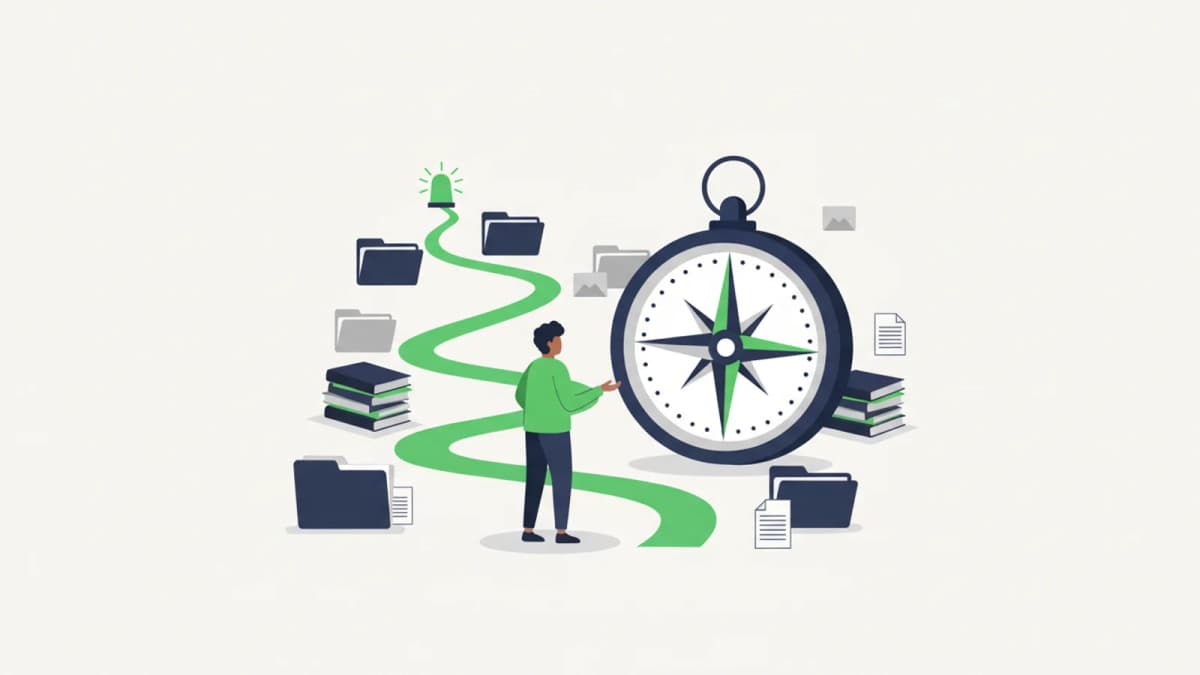
Three things, not one
Most assistants can answer. The Navigator answers, guides and works alongside you.
Answers with evidence
Around 25 verified queries against your connected data. Every answer names its source and figure, questions are logged for audit. Where data or read access is missing, it says so instead of guessing.
Takes you where you need to be
It opens nine areas directly: risk register, policies, security processes, assessments, BCM continuity plans, BCM tests, suppliers, user administration and the role editor. You ask, it opens.
Prepares instead of typing
It carries out twelve actions on your instruction, from linking a measure to a risk through to inviting several users at once. It fills in, you confirm.
Why you can give this AI write access
The question is a fair one, and the answer is structural rather than organisational.
The read path cannot write
The Navigator's query tools are built without write access, not merely configured that way. Changes run exclusively through a separate, explicitly maintained catalogue.
Nothing runs without a confirmed plan
The Navigator proposes what it would do and waits. Only your yes triggers execution. Where details are missing it does not fail, it opens a pre-filled form. The form is the confirmation.
It never has more rights than you
Every action inherits the permission of the underlying tool and is checked in four places: operator switch, role setting in your tenant, permission of the signed-in user, and the module you licensed.
Everything stays traceable
Question, proposal and execution appear in the audit trail. Anyone asking later why a residual risk was recalculated finds the answer there.
The Navigator is part of OdySecure
It is not a separate module of the ISMS software. It uses the same core as your staff: the same role model, the same four-eyes rules, the same audit trail. That is what allows it to answer from connected data at all.
See OdySecureNo CISO of your own?
In a vCISO mandate, your vCISO works with OdySecure and the platform is included. From €3,600/month.
What that means day to day
Three sentences that work in the chat, and what follows.
“What are our biggest risks?”
An answer from the risk register with inherent and residual risk per entry, each line with its source. No export needed to pass it on.
“Link network segmentation to the OT remote access risk.”
The Navigator shows the plan including the recalculated residual risk. You confirm, then the link is in place.
“Invite these four colleagues as auditors.”
The invitation form opens pre-filled with names, addresses and role. You check and send.
You decide where the model runs
In sovereign mode we operate the language model ourselves in Germany and your data does not leave the environment. Alternatively you use your own keys with your provider, or managed mode with defined data paths.
Trust Center: how we are operatedWhy a chatbot with document upload is a different thing
A general assistant answers from whatever you hand it: no read permissions, no current figures, no log. An AI button next to a GRC form does not turn questionnaires into connected data. The Navigator works on your tenant's live records, and so does our vCISO within the vCISO mandate.
Frequently asked questions
Can the Navigator delete or change anything without my noticing?
No. The read path is built without write access, and every change needs a plan you confirm or a form you submit. Both are visible before anything happens.
Can a Navigator action be undone?
Usually, yes. You can undo your last five confirmed actions for two hours, the most recent first. If someone has changed the affected records in the meantime, the undo is no longer possible.
Does the AI see data I am not allowed to see?
No. The Navigator works with your read permissions, not its own. What your role cannot see does not appear in its answer either.
What happens when it cannot answer a question?
It says so. “No data” is a valid answer here and is not replaced by a plausible one. That is precisely how you tell whether an assistant works on real data.
Can we switch the actions off?
Yes, at several levels: for the entire installation, for individual roles in your tenant, and per user through the same permission that governs manual operation.
Does the language model run in a US provider's cloud?
Not in sovereign mode. There we operate the model ourselves in Germany. If you prefer an external provider, that works with your own keys or in managed mode with defined data paths.